
Dropndot Post Subtitle – WordPress Plugin
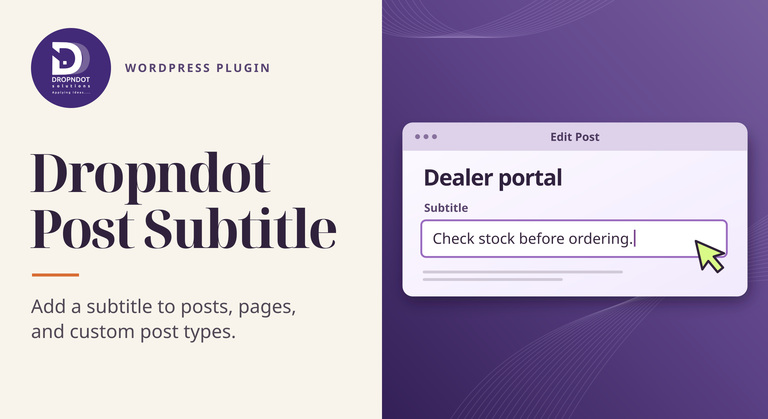
Dropndot Post Subtitle is a WordPress plugin developed by Dropndot Solutions that gives editors a dedicated field for the line beneath a headline. A news editor can use it to explain what changed, while an agency can introduce a case study with the result the client achieved. The title, subtitle, and opening paragraph each have their own place in WordPress.
Version 1.0.0 supports the Gutenberg block editor, the Classic Editor, and Quick Edit. Editors manage the wording in WordPress, while developers choose where it appears using a shortcode, a PHP template function, the WordPress REST API, or WPGraphQL.
WordPress Plugin Link: https://wordpress.org/plugins/dropndot-post-subtitle/
INSTALLATION PROCESS
Installation
Dropndot Post Subtitle requires WordPress 6.3 or later and PHP 7.4 or later.
- Download the plugin ZIP from WordPress.org, extract it, and upload the plugin files to /wp-content/plugins/dropndot-post-subtitle/.
- In the WordPress dashboard, open Plugins, find Dropndot Post Subtitle, and click Activate.
- Go to Settings → Dropndot Post Subtitle, select the post types that should support subtitles, and click Save Settings.
- Open a post of an enabled type, enter a subtitle, and save or update the post.
Configuration
Post Type Support – Choose Which Content Gets a Subtitle
Posts and pages have subtitle support by default. Under Settings → Dropndot Post Subtitle → Post Type Support, you can also select public custom post types that appear in WordPress search. For example, an agency with a Projects post type can enable subtitles for its case studies and leave them off for standard pages.
Gutenberg and Classic Editor – Write the Subtitle Alongside the Headline
In Gutenberg, open the post settings sidebar and look for Post Subtitle below Featured Image. In the Classic Editor, the Add subtitle field sits directly beneath the title. Both editors save the text in the same field so that a team can use either editor for the same article.
Admin Column and Quick Edit – Review Subtitles From the Posts List
Open Posts → All Posts to see the Subtitle column beside Title. An empty subtitle appears as a dash, making it easy to spot an article that still needs a line of context. To revise one, hover over the post, select Quick Edit, change the subtitle, and click Update. The column and Quick Edit field also appear in the lists for other enabled post types.
Shortcode – Place a Subtitle in Content or a Widget
Add [dropposu_subtitle] to a Shortcode block or a widget that supports shortcodes. It displays the current post’s saved subtitle wherever you place it. To feature another article’s subtitle on a landing page, use [dropposu_subtitle post_id=”123″] and replace 123 with that article’s ID.
Theme Templates – Set a Consistent Position Below the Title
In a PHP theme template, place <?php dropposu_subtitle(); ?> where the subtitle should appear. Adding it beneath the title in the single-post template gives every article that uses that template the same layout. For a design that needs its own markup, use get_dropposu_subtitle() to retrieve the text and render the subtitle element only when the field has a value.
REST API and WPGraphQL – Use the Subtitle on a Headless Frontend
A request to /wp-json/wp/v2/posts/123 returns the subtitle in the dropposu_subtitle field. With WPGraphQL active, a frontend can request subtitle alongside title for a supported post type in its GraphQL schema. An article page and a homepage story card can both use the line the editor saved in WordPress.
The stack behind the build.
A pragmatic set of tools chosen for speed, maintainability and long-term reliability.
WordPress PLUGIN STRATEGY
A publication covering a timetable change might run the headline New Timetable for the Airport Line with the subtitle The first weekday train will leave 30 minutes earlier from July. The headline names the story, and the subtitle tells commuters what changes for them. An editor reviewing the issue can check both lines together from the posts list.
For a portfolio, an agency can use the project name as the title and reserve the subtitle for a concrete result, such as Dealers can now check stock before placing an order. Its project template and portfolio cards can draw from that same field, so the editor has one line to maintain when the project changes.
Have a project in mind?
Tell us about your goals and we'll come back within one business day with a plan, a team, and a realistic timeline.